Computer stays the runtime
The desktop app remains the active runtime. Your phone is only a browser-based control surface.
Use a browser on your phone to control the NexaAct instance running on your computer. No mobile app download required. The remote service is deployed to your own Cloudflare account, so you prepare the Cloudflare workspace, control the relay, and keep remote data out of NexaAct-operated infrastructure.
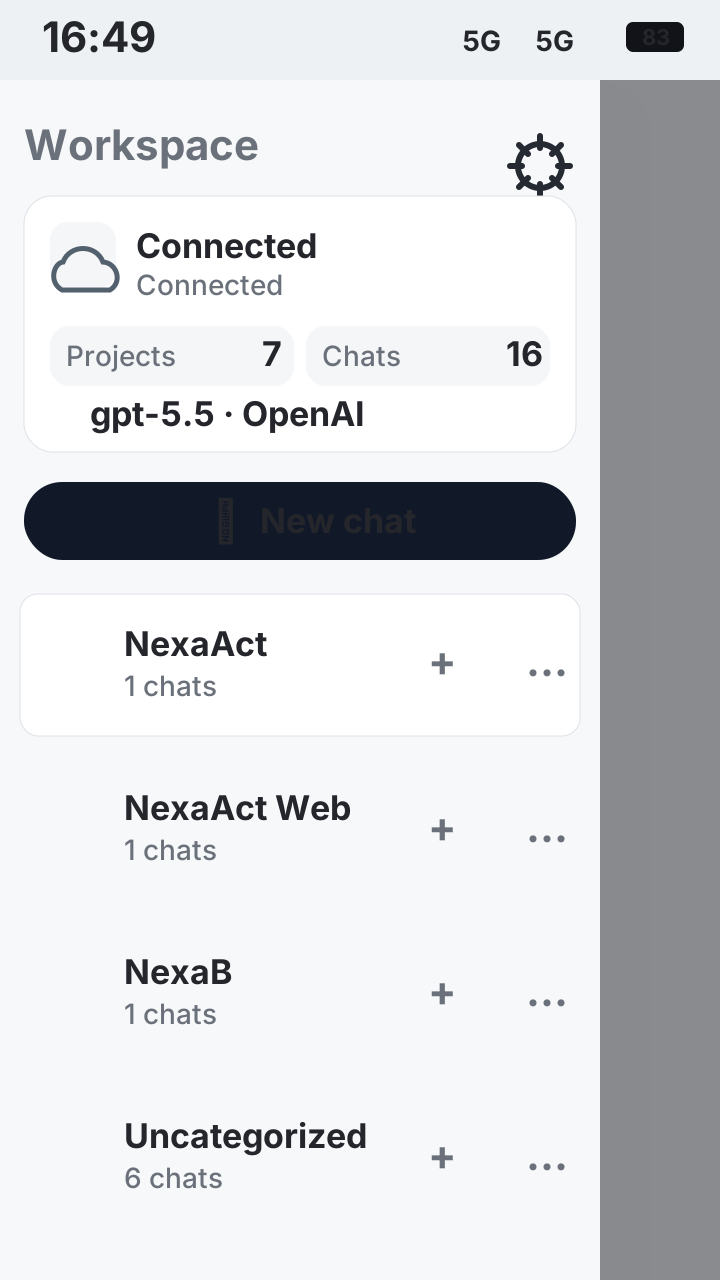
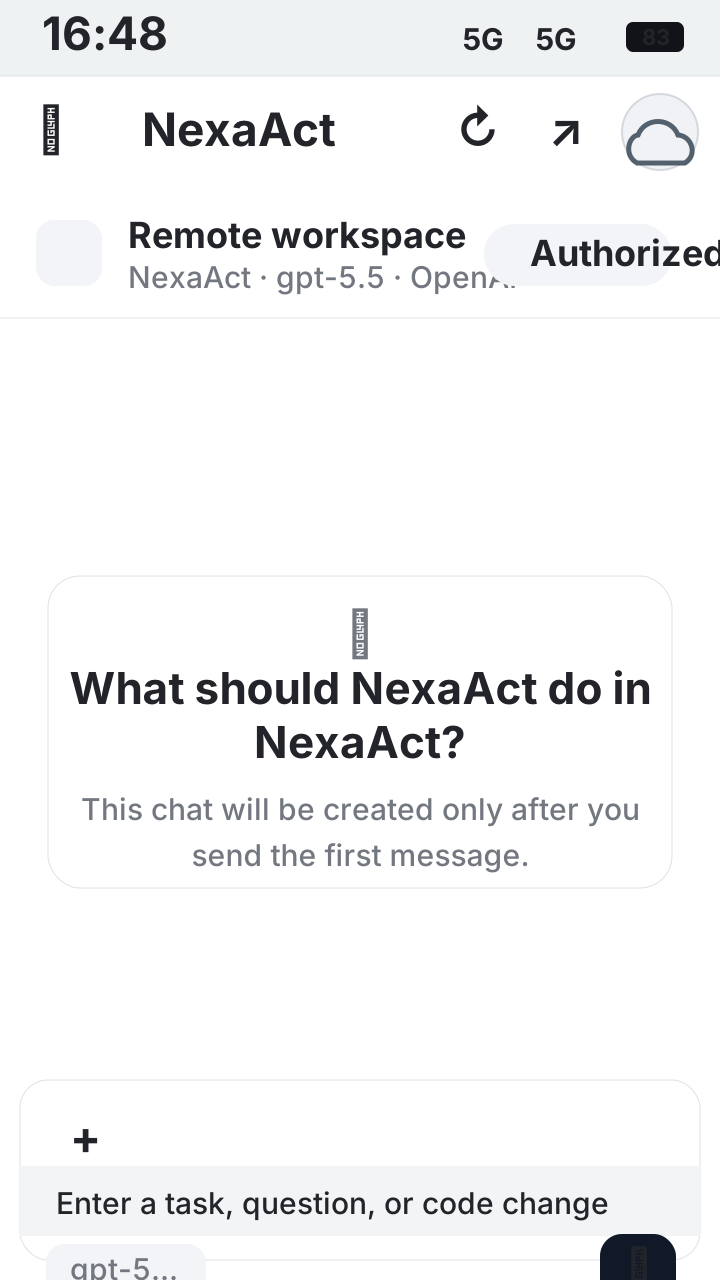
The desktop app remains the active runtime. Your phone is only a browser-based control surface.
You deploy the remote control service into your own Cloudflare account. NexaAct does not operate a shared relay.
NexaAct does not collect remote workspace data, prompts, files, chats, or usage analytics.
The remote page is for operating your own running NexaAct instance, not for signing into a hosted NexaAct service.