
NexaAct
Work from project context, not an empty chat box.
Bring together files, accounts, models, tools, habits, and reviewable work in one desktop surface.
Explore NexaAct
NexaAct has no hosted data backend. Use your own ChatGPT, Claude, Antigravity, and other accounts, custom providers, or APIs, then switch models in one conversation.
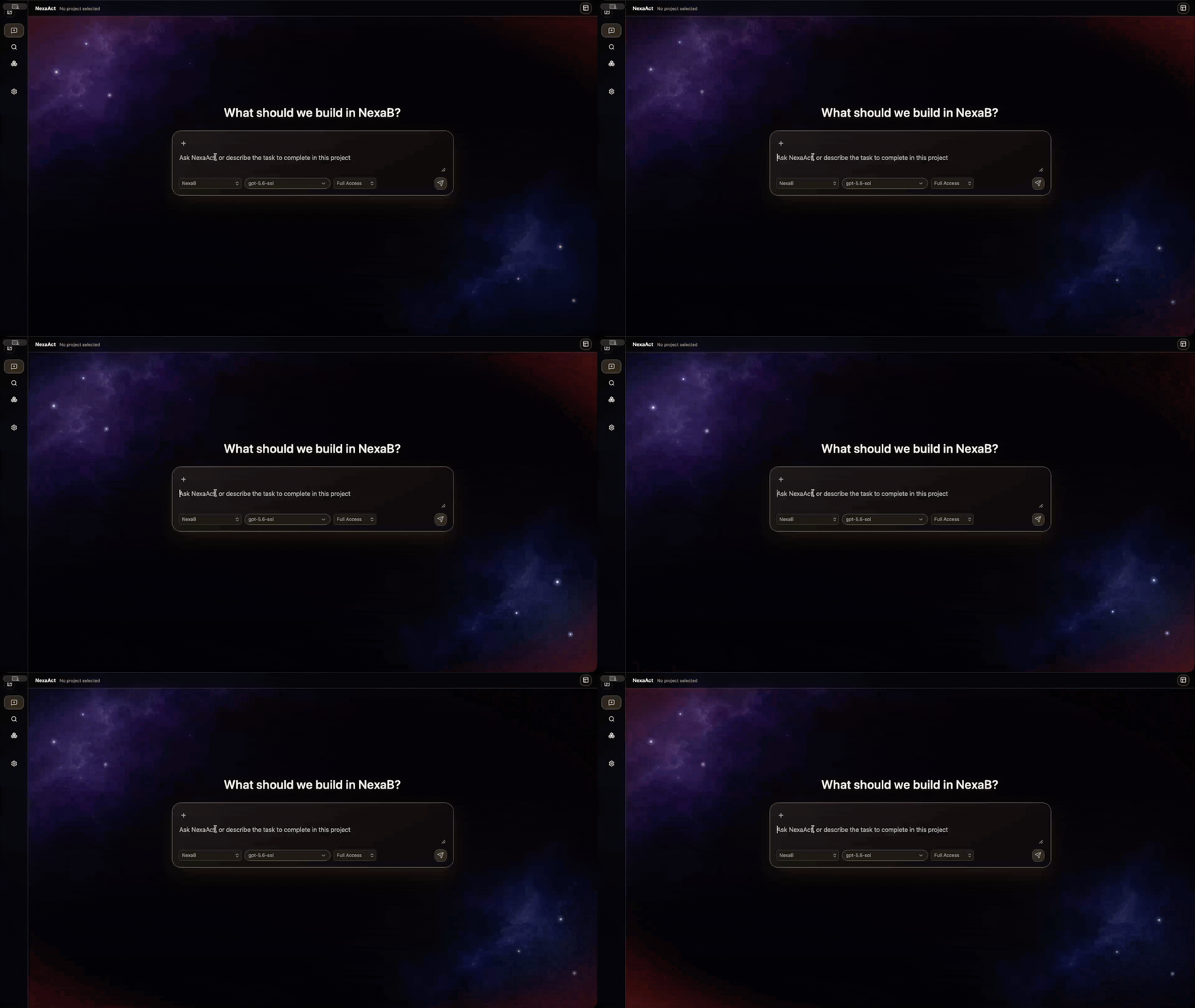
NexaAct gives agents a local home for project work. NexaBrowse adds the visible browser layer for observing, operating, and verifying the real web.
Bring together files, accounts, models, tools, habits, and reviewable work in one desktop surface.
Explore NexaAct Inspect pages, operate controls, capture visual feedback, and keep local previews in the same human-visible flow.
Explore NexaBrowse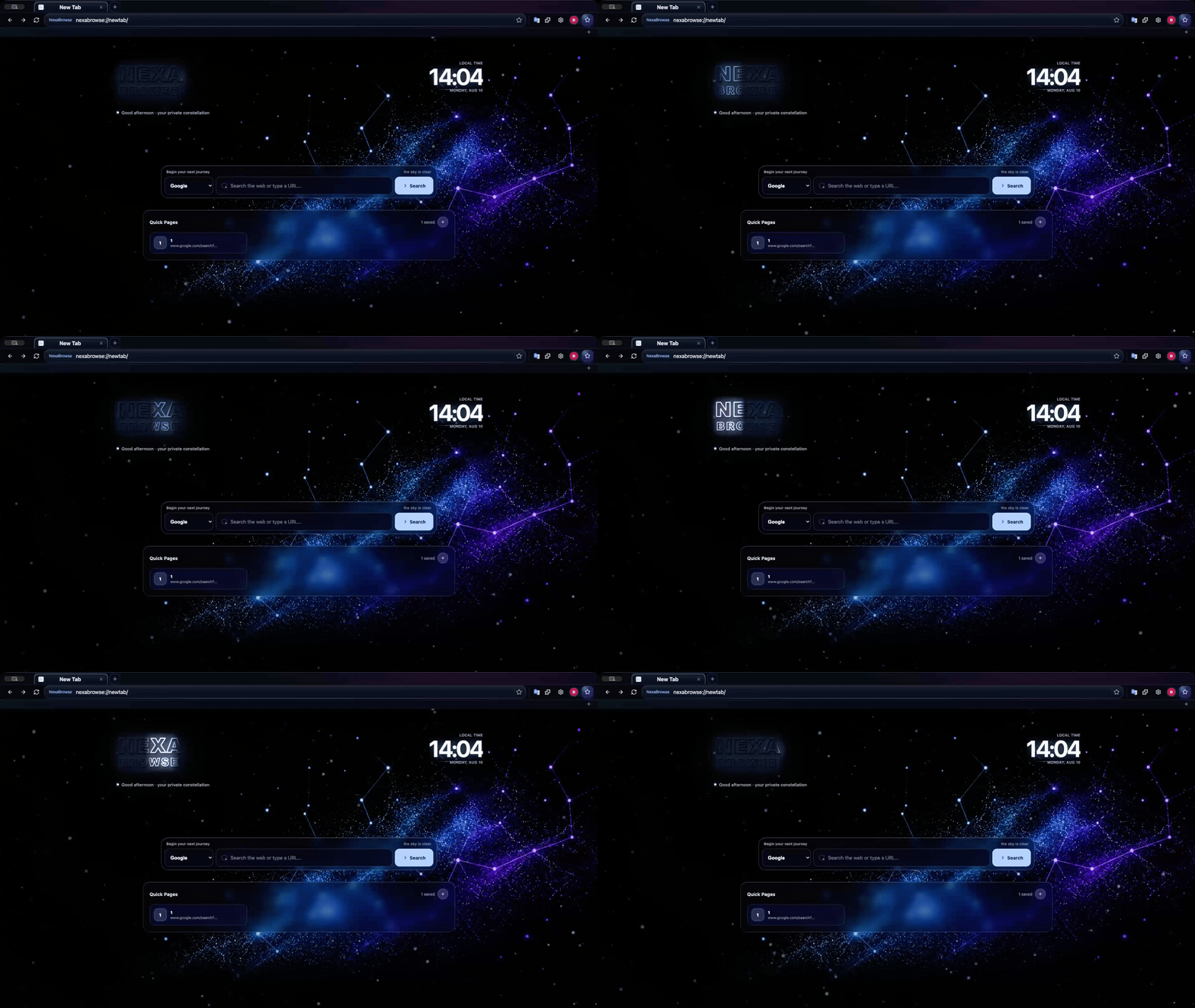
Keep project context, instructions, and decisions in one workspace.
Give agents the models, APIs, tools, and permissions they need to execute.
Use NexaBrowse to inspect, operate, and verify the real web.
Continue the same desktop workspace through your own remote layer.
Sign in to multiple accounts, add custom providers or OpenAI-compatible APIs, and switch models without leaving the conversation.
Explore model routing
Skills, plugins, MCP servers, automations, and browser control live in a product surface that your team can inspect and evolve.
Explore capabilities
Control a live workspace from another device through infrastructure you deploy to your own Cloudflare account.
Explore remote control

NexaAct turns durable preferences, solved lessons, and tool choices into a maintainable skill system. It is inspectable, portable, and built to get better with the way you work.
Download the desktop workspace, connect the accounts and tools you already use, then keep the entire agent loop under your control.
NexaAct is a free, subscription-free local AI coding desktop app. It has no hosted data backend: use your own accounts, custom providers, and APIs while keeping your work under your control.
NexaBrowse is an AI-native browser that helps agents browse pages, inspect page structure, operate controls, collect visual feedback, and verify local website previews in a visible browser loop.
NexaAct is the desktop workspace for agent work, projects, accounts, APIs, skills, and remote control. NexaBrowse is the browser layer for web operation, page inspection, preview review, and human-visible browser control.
Yes. NexaAct supports signed-in accounts such as ChatGPT, Antigravity, and Claude alongside OpenAI-compatible APIs, custom endpoints, and provider-backed model menus.